
A printed coffee cup is a controlled product-and-artwork system. Choose the exact single-wall or double-wall cup and matching lid first, then define print coverage, colour references, approval samples, packing and commercial terms.
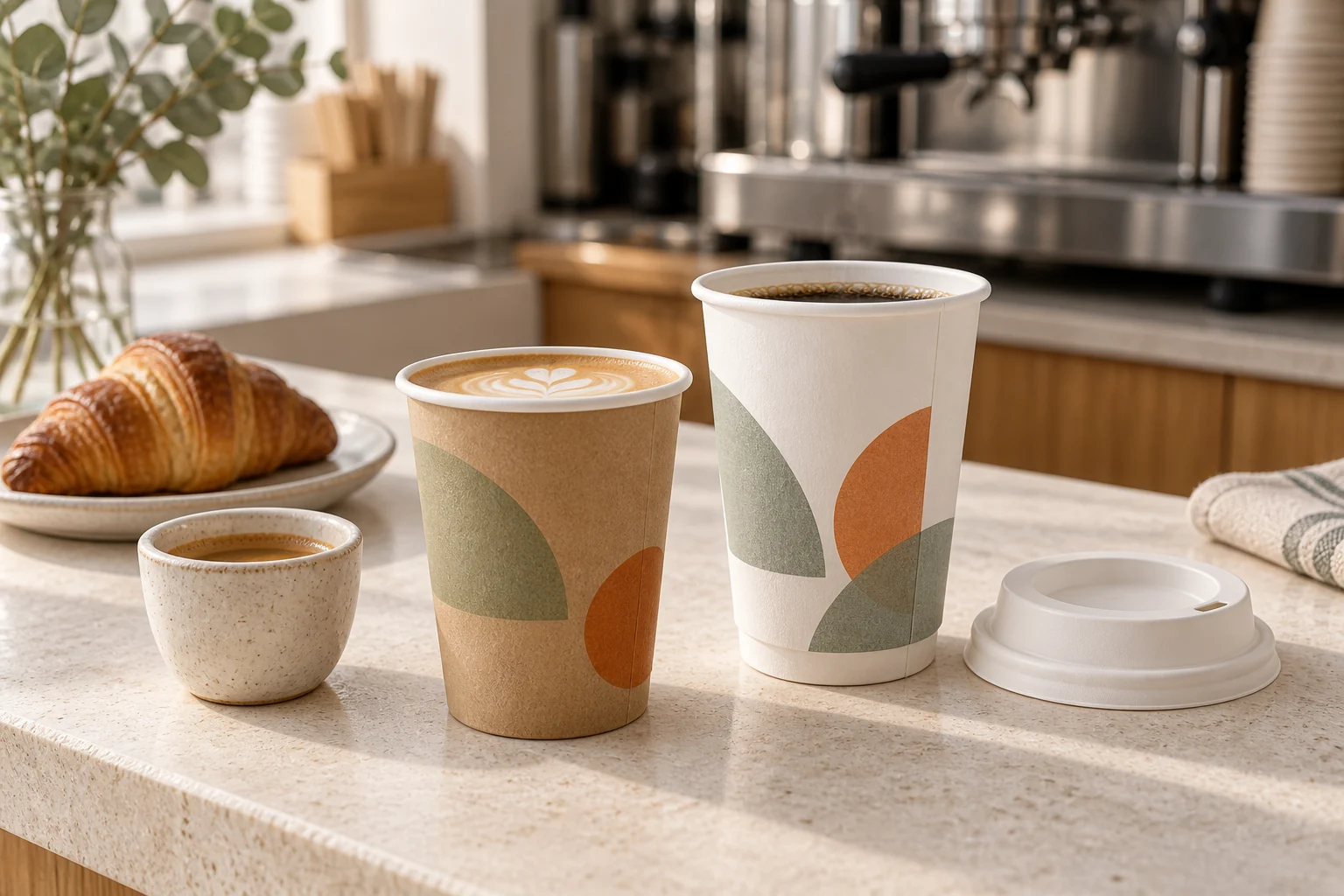
Define the coffee and service journey.
Describe the drink types, serving condition, cup sizes, hold interval, takeaway or delivery routine and any sleeve requirement. State whether the same artwork will serve every size or whether the program has multiple versions.
Suitability remains model-specific. Ask for the intended beverage and service conditions to be reviewed against the selected cup-and-lid system.
- Drink and serving condition
- Cup sizes
- Counter or delivery service
- Sleeve requirement
- Destination market
Choose the exact paper-cup construction.
Shortlist the family, AW SKU, capacity, dimensions and single-wall or double-wall construction before preparing final artwork. The current range contains separate single-wall and double-wall references with model-level size and pack fields.
Do not transfer a dieline or print expectation from a similar cup. Ask for the printable area and decoration route associated with the selected construction.
Review single-wall paper cups · Review double-wall paper cups
Pair the cup and lid by model.
Record the lid reference, material, colour, opening style and pack quantity beside every cup size. If the program expects a common lid, request a written compatibility matrix.
Test the actual cup and lid with the intended fill level, closing routine, carrying and drinking experience before final approval.
Control artwork, colour and proof scope.
List artwork filenames and versions, print colours, coverage, orientation, barcodes and market text. Provide a named colour reference when consistency matters and identify one authorized approver.
State whether each proof or sample is for layout, colour expectation, construction or production-representative review. Keep unresolved differences visible.
Plan cup printing samples · Review the broader print brief
Quote sizes and artwork versions separately.
Provide quantity by cup model, lid, colour and artwork version. Ask whether MOQ applies per model or design, then compare setup items, unit price and order quantities on the same specification.
Convert cups and lids into complete case quantities and usable sets. Include storage, replenishment and artwork-change risk in the buying decision.
Confirm production and delivery milestones.
Ask what event starts lead time and separate artwork review, sample approval, production, inspection and shipment readiness. Request case quantities, carton dimensions and gross weights for the final model mix.
Before order release, confirm the cup-and-lid specification, final artwork, approval record, quantities, packing, available documents, timing and delivery term in writing.
Plan cup packing and timing · Build the complete RFQ
Questions before quotation
What should I send for a custom printed coffee-cup quote?
Send the cup sizes and construction, matching lid needs, quantity by size, artwork status, colours, coverage, packing, destination and sample or document requirements.
Can one artwork file be used for every cup size?
Do not assume so. Each selected model may have a different print area or dieline; identify and approve the artwork version for every required size.
What is the MOQ for printed coffee cups?
MOQ is confirmed for the exact cup construction, size, artwork version, packing and destination. Request the unit and basis in the written quotation.
Continue your buying brief
Disposable cups and drinkware · Disposable cup printing and samples · Food packaging RFQ checklist